One touch
No complicated controls. One button, all about your timing.
PanicButton / iOS · Reflex game
Wait for the signal and react at just the right moment. Quick rounds, one touch, and a new personal best to chase.
Download on theApp Store↗Start when you’re ready.
One touch. All about your timing.
01FEATURES
No complicated controls. One button, all about your timing.
Stay focused as each round gets faster and catch the right moment.
Put your speed, patience, and decision-making to the test.
Improve your best score one step at a time and push your limits.
Turn a spare minute into an exciting, bite-sized round.
Play wherever you want, without an internet connection.
02HOW TO PLAY
03FROM THE GAME
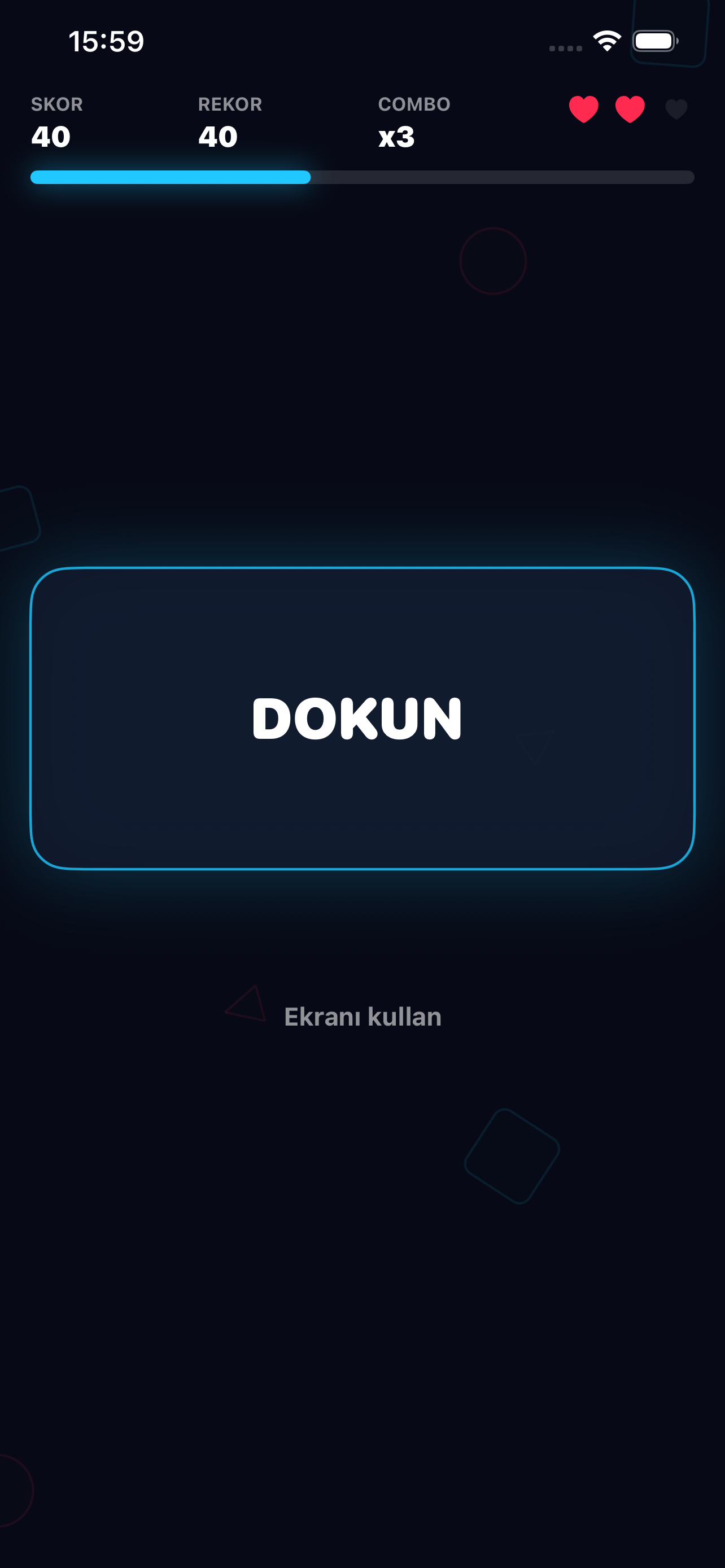
A clean interface and clear feedback keep your attention on the game.


05FAQ
Fully close and reopen the app, then try restarting your device. If the problem continues, make sure iOS is up to date.
Check silent mode, volume, and the in-game sound setting. Audio may be routed to connected Bluetooth headphones.
Complete the round normally. Force-closing the app during a round may prevent the latest score from being saved.
Tap the replay option on the screen when a round ends.
No. Core gameplay does not require an internet connection.
No. PanicButton is free and does not require an account.
PanicButton is designed for iPhone. Current compatibility information will be available on its App Store page when published.
CONTACT & SUPPORT